Cleaning and Organizing your office space

On January 25, 2013, in Office area, by admin
0

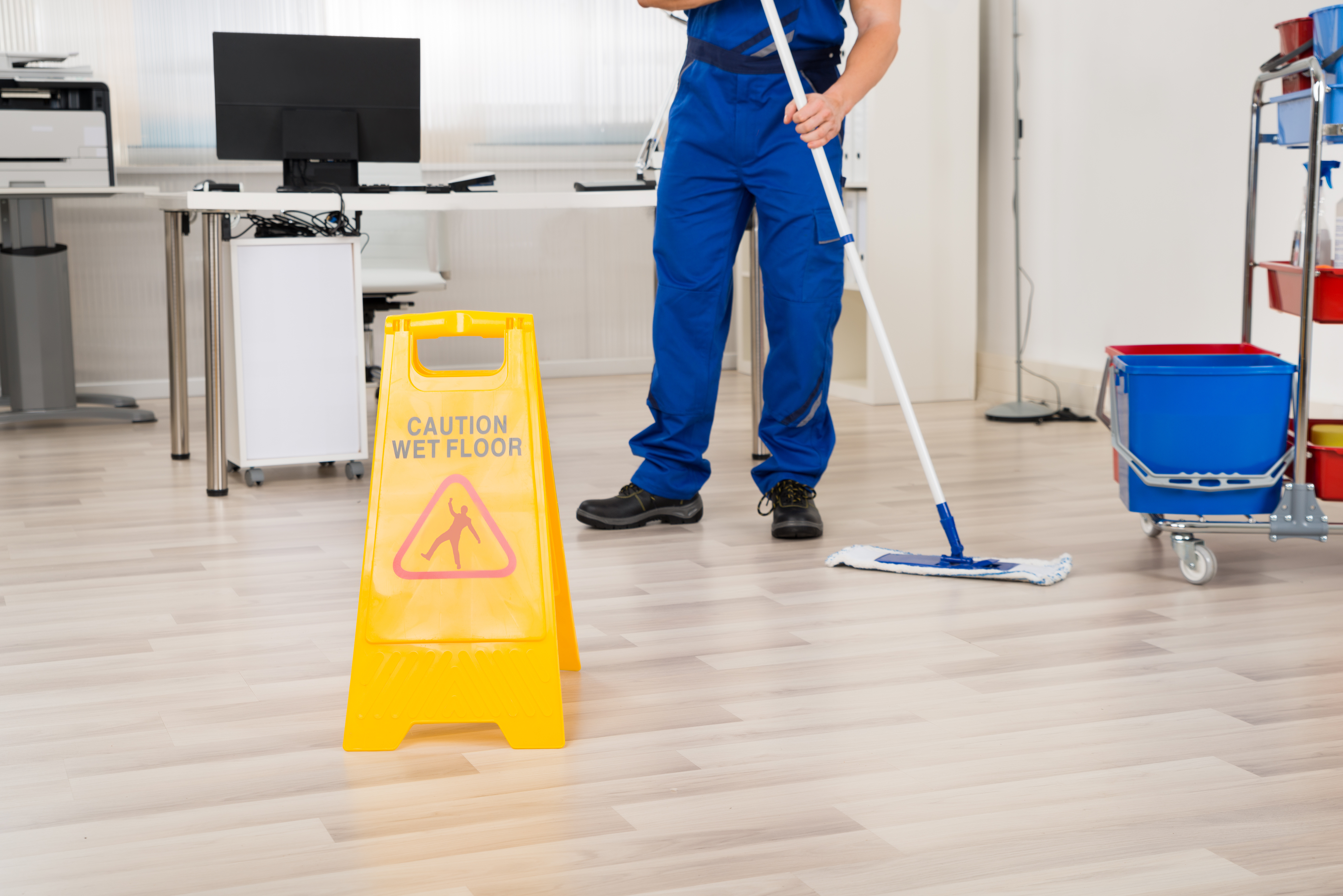
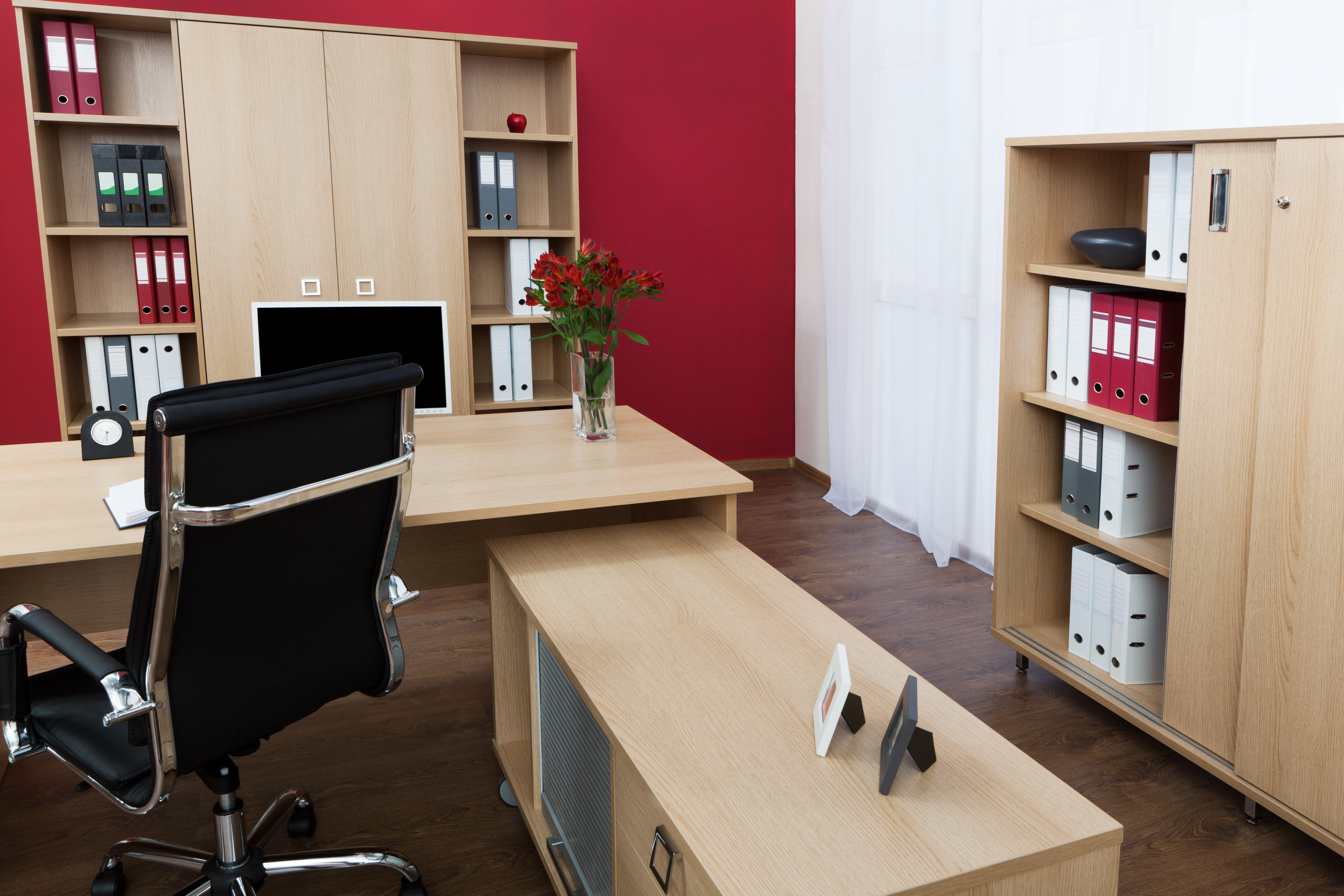
If you find yourself spending more then few minutes to find an important document in your office (or even something as simple as a pencil), it may be time to clean up your office space. When you decide to organize your office, don’t do it alone – incorporate everyone in the office.

Choose one day and tell employees that this day is not a business-as-usual day, rather it’s a day to tidy up. Invite everyone to bring old clothes and their favorite cleaning supplies. Try to make cleaning an interesting experience for all incorporated.

Follow these steps for a successful clean-up.

Before you begin to clear out your office, arm yourself with the cleaning supplies. Make sure everyone in the office has what he/she needs to get organized. Go shopping for office supplies that you will need to reorganize your office area. Be sure to purchase file folders, pads, new pens and pencils, self-stick notes, cleaning solutions and garbage bags.

Prepare yourself to throw away old stuff. Cleaning out your office includes throwing some very old files and papers away. Take everything out of each shelf, drawer and file cabinet. Decide what to keep and what to toss. Save master and legal documents. Store all tax records. Throw out what you don’t need or use. Create a place for everything left. Wipe down all your drawers, cabinets and desk spaces with a wet rag.

To give your office a thorough clean-up, you will need to spend the whole day re-organizing, throwing out, wiping down, etc. If you can’t spare at least 4-5 hours to tidying your work space, leave some taks for the next day. But try to complete all the main cleaning and organizing tasks.

Make cleaning and reorganizing your office space a habit. Clean and organize your office on a regular basis. It will help you make your daily work life more efficient. Maintain order throughout your office and it will let your company start each day with a clean slate.

How to keep your workplace neat and tidy

On September 4, 2012, in Office area, by admin
0

You look up from your work desk and it feels as mountains of paper avalanche right onto you and you sink in these piles of paper. If this has ever happened to you, you know that there is only one remedy available in such a situation. Yes, that’s right you should clean up your workplace. A little bit of time and effort and you will have a clean and well-organized office place. A clean office will help you keep your sanity as well. This in its turn will help you show your boss that you’re an organized and dedicated employee.

If you don’t know where to start and how to organize your office — start by sorting. Prepare two bins: one for papers you can recycle and one for shredding. Go through all of the papers on your desk. Decide what papers you still need and trash those you don’t. Then, go through your desk drawers, closets, filing cabinets, bookcases cleaning out anything you no longer need. Make sure everything has its own place.

In order to increase your productivity you can reposition your office furniture so you can get to the things you need every day without any problems. Also, you can redesign your office. Put some pictures or paintings directly where you would look up from your computer. It is good to look away from your computer every six minutes.

Office cleaning is not an easy task to complete. If you really want to do a thorough job, make sure to wipe off your drawers, shelves, door handle, telephone, and keyboard. Swab your desk and or table. Clean your workplace using environmentally friendly cleaning solutions. You can eveb make your own cleaning solution. All you need is vinegar and baking soda. The major cleaning is done.

If you don’t want to spend tons of time every few weeks cleaning your office, clean up every day. Make this your end-of-the-day ritual.

What an interesting office cleaning idea to incite employees to keep their office clean and tidy at all times. Below we will provide you with few creative office cleaning tips on how to maintain the office tidy and clean without any significant inconvenience.

Keeping a workplace clean is important to any company whether it receives costumers at their business premises or not. Many companies hire professional office cleaning services to clean their offices while others prefer to divide the cleaning responsibilities between their employees. In this way employees are encouraged to keep their offices sparkling clean at all times.

The best place to start introducing cleanness is employee’s workstations and desks. Every employee should be responsible for its own work space; employees should strive to keep their desks uncluttered and speckless.

It’s recommended to not allow employees to eat at their workstations. Also, it’s nice to incite employees to wash their hands every time they return from a snack specially if they went out to eat.

Unfortunately the offices that allow employees to eat at their desks tend to turn their keyboards into bacteria’s hives. Also, it’s better not to allow your employees to store food in their workstation drawers and make sure they keep them tidy and clean as well. It would be good to provide files and folders so employees can store their paper work and avoid paper clutter on their desks.

If you hire an office cleaning company make sure their cleaning specialists disinfect keyboards and phones every time they come to clean your office. In addition, make sure they use appropriate cleaning solutions, because using the wrong products may lead to damaging electrical equipment.

Implement random audits and penalties for those employees who don’t keep their workplaces organised and clean. In this way you will incite your employees to maintain their workstations clean and tidy most of the time.

Cleaning your Keyboard

On May 28, 2012, in Computer cleaning, by admin
0

A dirty keyboard not only hinders typing, but also exposes you to health risks. Clean up your keyboard safely using the following tips.

The first thing’s you should do is to unplug your keyboard. Make sure the batteries are taken out.

Dust can really make typing unpleasant. But it’s not hard to fix this problem. Use a small soft-bristled dusting brush. It will work well.

Don’t forget to buy disinfectant sprays as daily use can breed a whole different kind of filth that needs to be removed from your keys. If you don’t want to harm your precious keyboard, try to find cleaning solutions that are electronics-friendly. You can take a little alcohol solution, but don’t pour it into your keyboard. Simply moisten a paper towel or an old rag with it. Then, scrub a paper towel or a rag over the tops of the keys. Use a wet cotton bud to go down in between the keys.

How to deal with spilled coffee or soda on your keyboard.

When spills occur on the keyboard and you don’t want to use your real sticky keys, the first thing you should do is to unplug your keyboard. Dump out any excess liquid and mop up with paper towels. Then remove the keycaps from the keyboard. For desktop keyboards, it’s better to use a screwdriver or a butter knife. For laptop keyboards, you can use your fingernails to lift up a side of the keycaps and snap them off. Aside from spilled coffee or soda, you may find potato chip grease, or popcorn pieces stuck under the keys. Take a vacuum and get rid of all those crumbs stored in your keyboard! Dump the keycaps into a container with warm, soapy water and give them a good rub to remove any sticky stains. Dry keycaps with a cloth then reattach them. If you have a standard keyboard, you’ll be able to find references to where all the keys should be placed. Also, you can take a photo of your keyboard to remember the layout of the keys. Place keycaps over their correct position and press them until you hear a snap. Then, give the keyboard a quick wipe over and you have a clean keyboard.

Don’t forget that to keep your keyboard in tip-top condition you should clean it weekly. The more thorough clean could be done every 2 months (depending on use).

Have a better way to clean a keyboard? Share in the comments!

Tagged with: